

Attendance Log
Displays all staff attendance records for the session, including booking schedule, check-in/out times, and total hours worked.
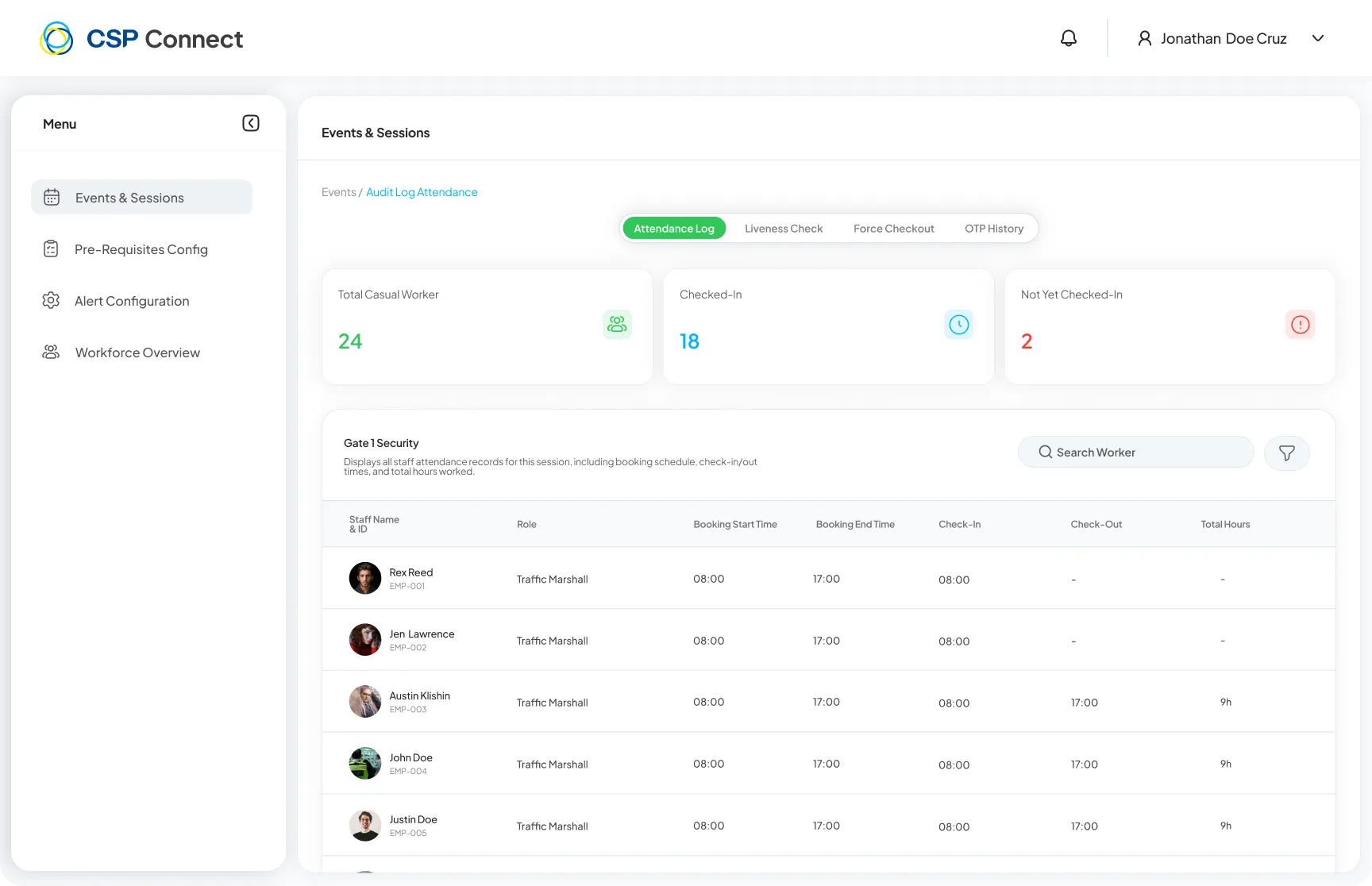
- Total Casual Worker - Total workers assigned to the session
- Checked-In - Workers who have checked in
- Not Yet Checked-In - Workers yet to check in (highlighted in red)
Table Columns
Section titled “Table Columns”| Column | Description |
|---|---|
| Staff Name & ID | Worker’s name and system ID |
| Role | Assigned role for the session |
| Booking Start Time | Scheduled start time |
| Booking End Time | Scheduled end time |
| Check-In | Actual check-in time |
| Check-Out | Actual check-out time |
| Break Start | Time the worker started their break. Use the toggle on the row to expand and view individual break start and end times when a worker has taken multiple breaks. |
| Break End | Time the worker ended their break. |
| Total Hours | Total hours worked |
| Login Via | How the worker checked in: Mobile App or Kiosk |
| Face Verification | Status of the worker’s face verification submission |
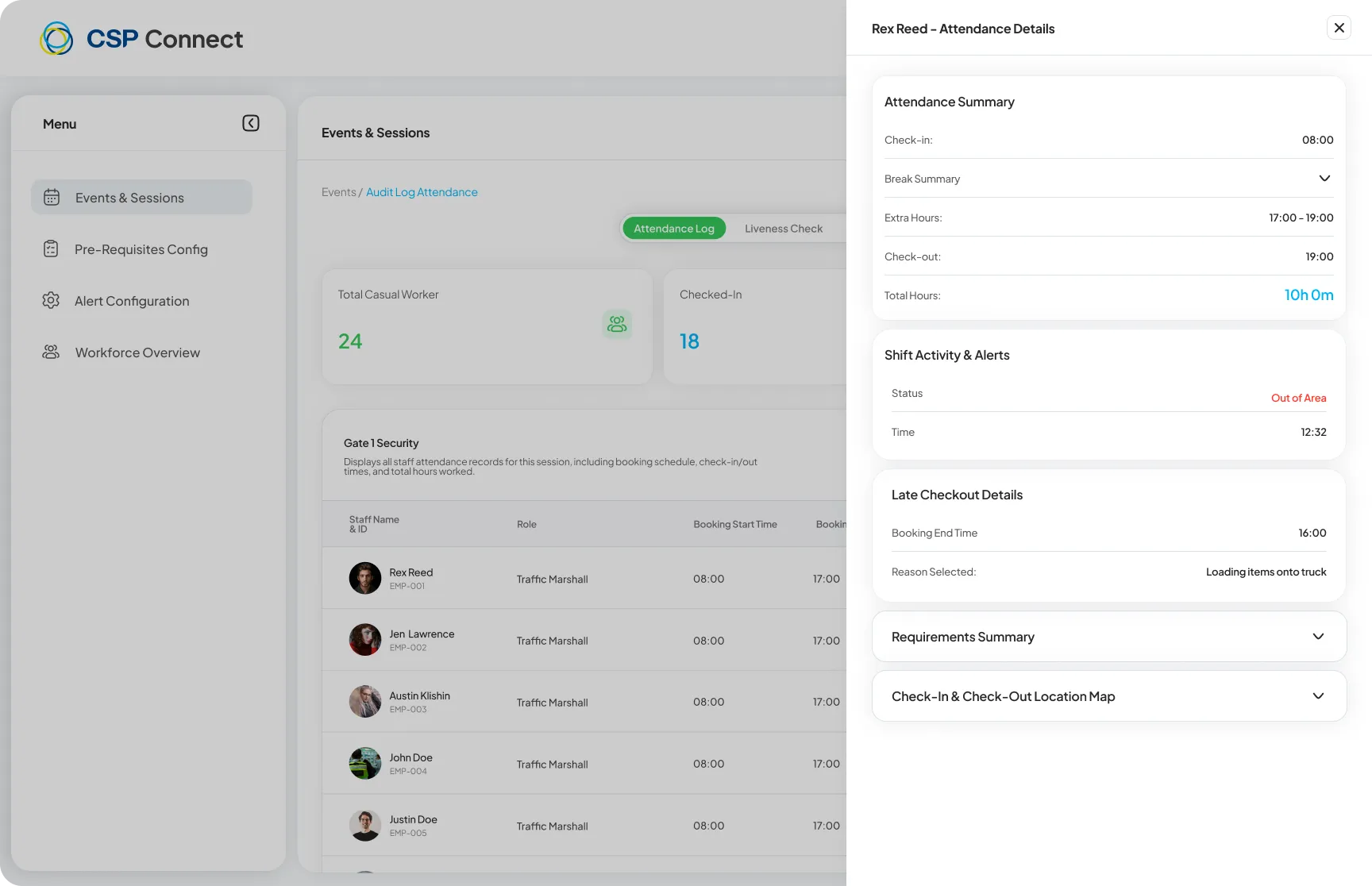
Click on any worker row to open their Attendance Details panel, showing a full attendance summary including extra hours, late checkout details, shift activity alerts, requirements summary, and a check-in/out location map.
Device mismatch warning
Section titled “Device mismatch warning”A warning is shown on a worker’s record when the device used to check in differs from the device used to check out. Workers are expected to use the same device for both actions. When a mismatch is detected, both the check-in and check-out rows are flagged in the worker detail view.