Real-time notification integration: Real-time notifications are now delivered across the platform via Pusher, ensuring instant delivery of critical updates without manual page refreshes.
Pre-requisite PDF support: PDF files can now be uploaded and viewed within the Pre-requisites module, enabling more detailed documentation for workers to review before starting a session.
Attendance Log — Login Via and Face Verification columns: The attendance log now includes two new columns showing how each worker logged in (Mobile App or Kiosk) and the status of their face verification submission.
Workforce Overview: A new analytics dashboard showing each casual worker’s performance across sessions. The overview includes attendance and on-time rates by role and by session, along with an individual worker side sheet covering check-in timing, break and checkout trends, strikes and standing, and prompt response averages. Data is currently based on check-in and check-out records.
AXLR8 Sync Event for Managers: Managers are now able to sync their own respective events within the platform.
Admins can assign managers at event scope: Once a Manager is assigned to an Event, they can view and manage all nested Sessions without requiring manual assignment to each one. The system allows for multiple Managers to be assigned to a single Event and verified that “Standard Users” cannot assign themselves; this feature is strictly exclusive to the Admin role.
Setting Grace Periods for Breaks in Admin/Manager view: Admins and managers are now able to create break periods. They can create, edit, and delete grace periods in event level. On session level, admin/managers are able to create, select (from event level), edit, and delete grace periods.
Revert pre-requisite acknowledgement: Managers can revert a casual worker’s pre-requisite acknowledgment. The system correctly resets the compliance state and allows for re-submission by the worker.
Kiosk
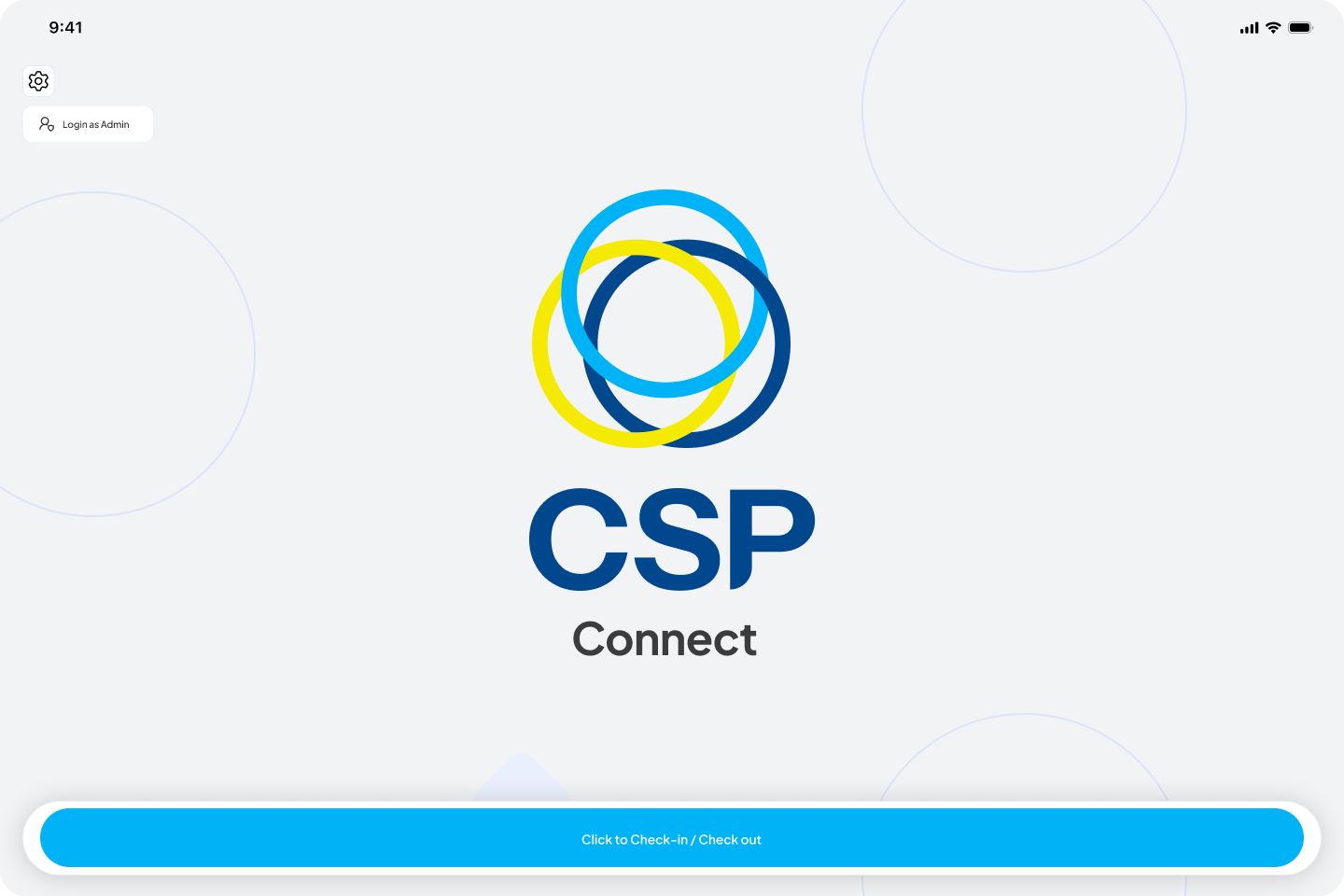
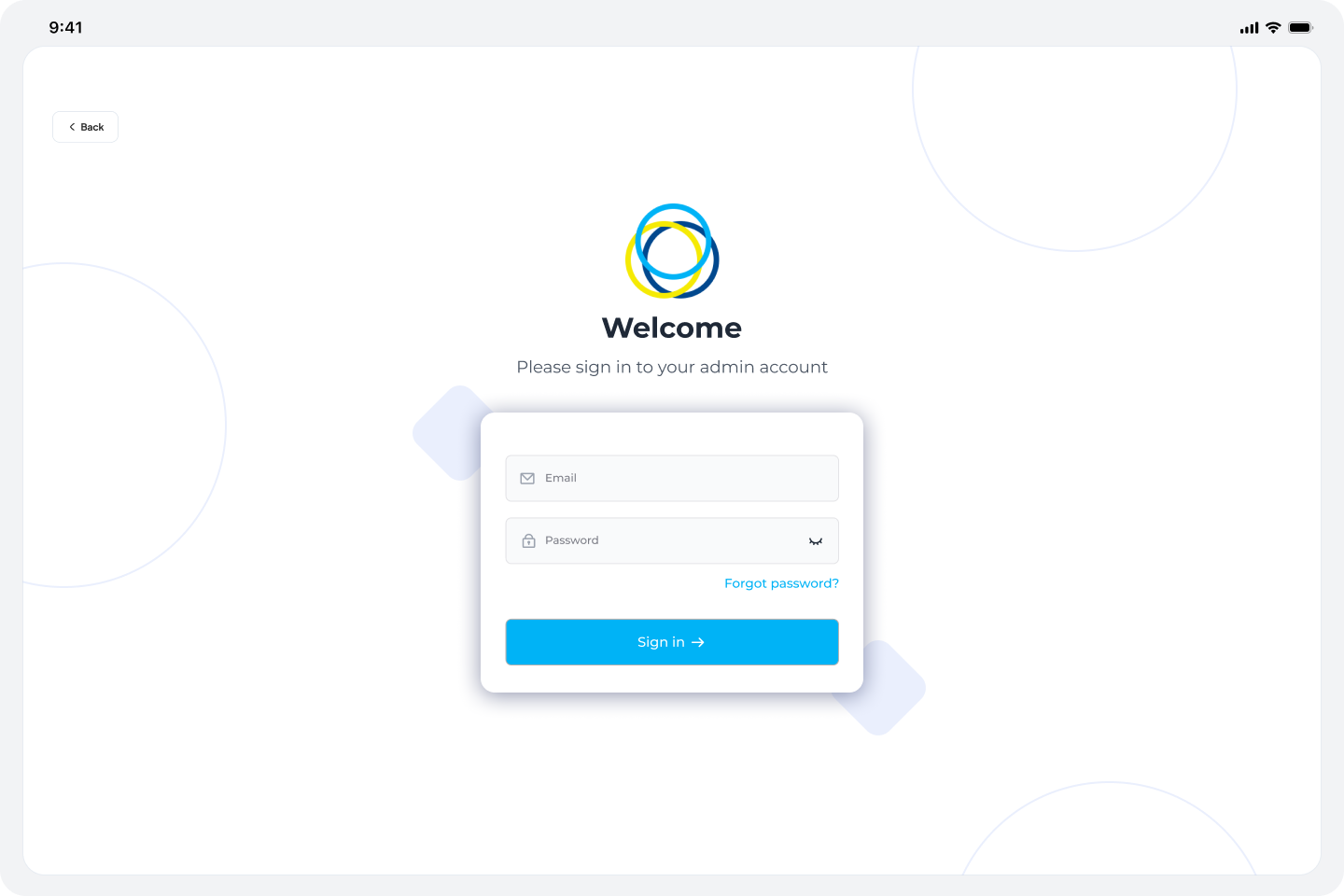
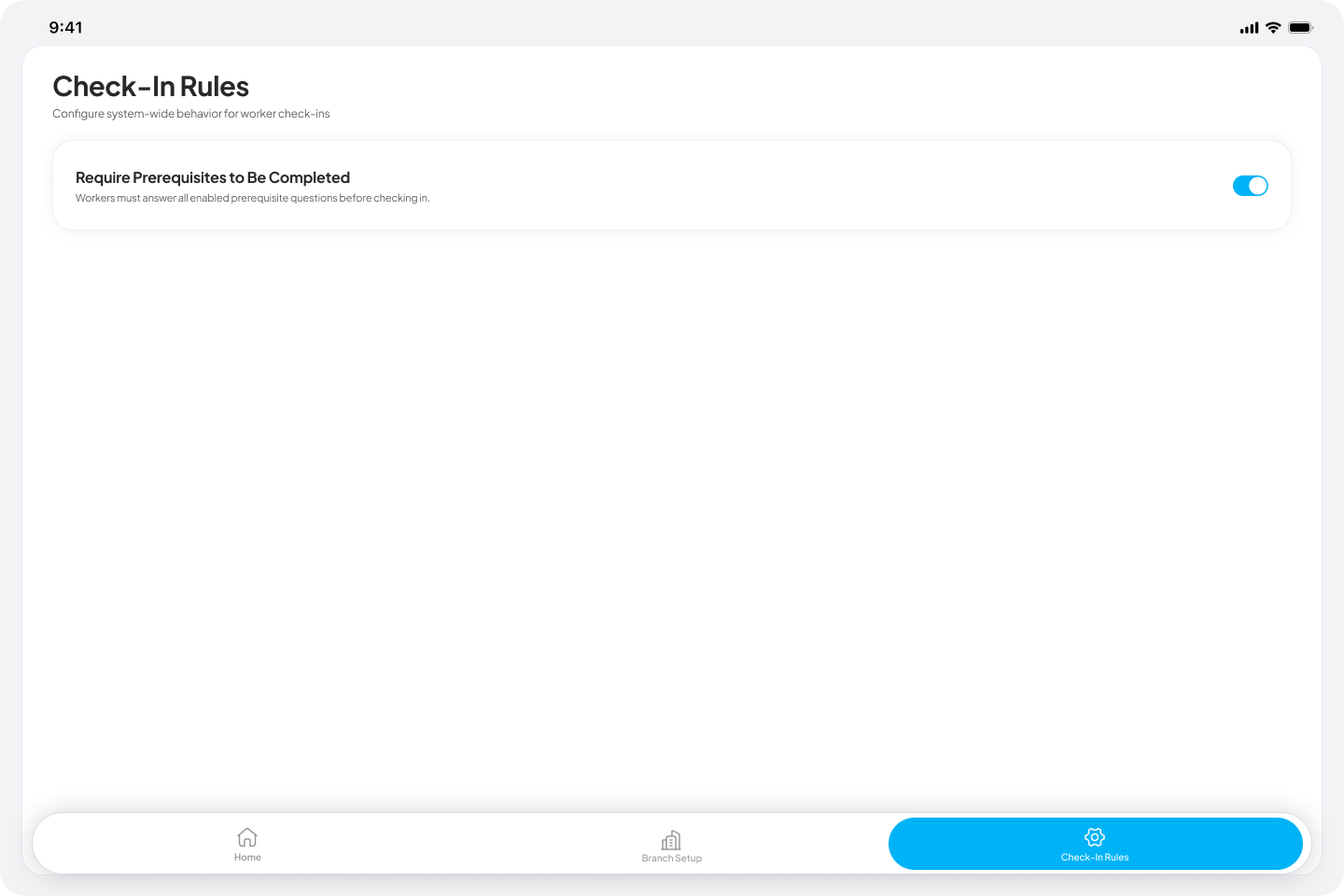
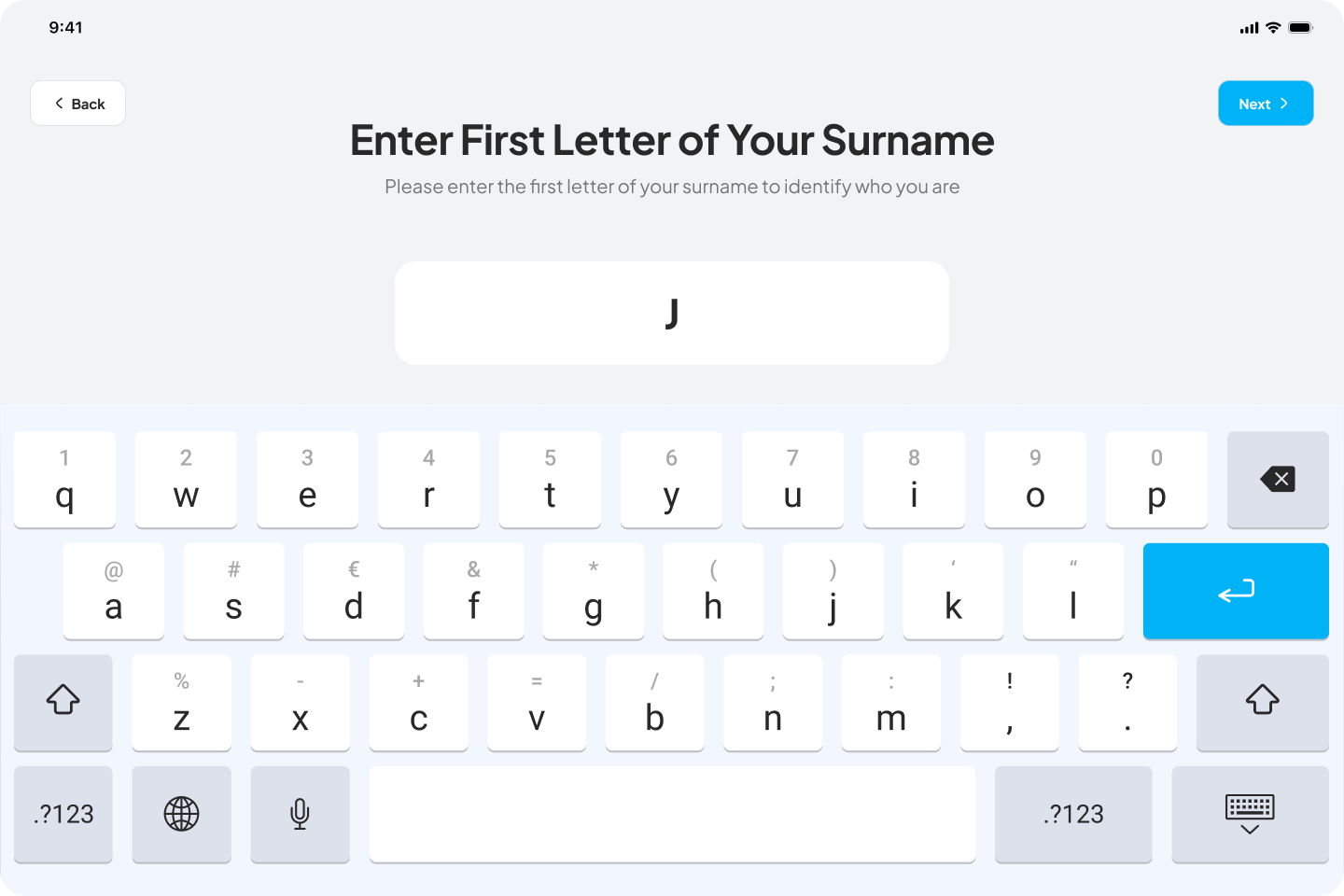
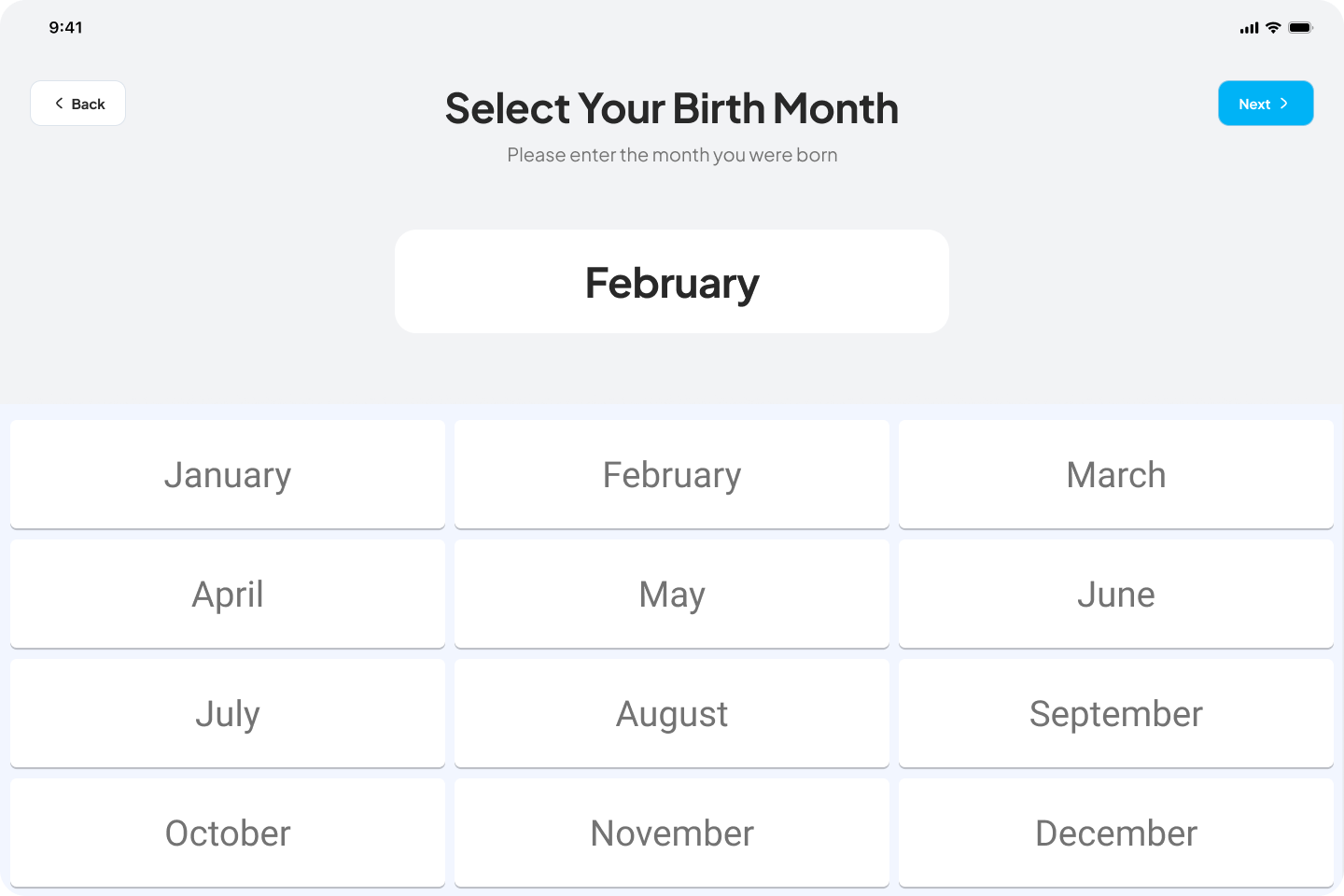
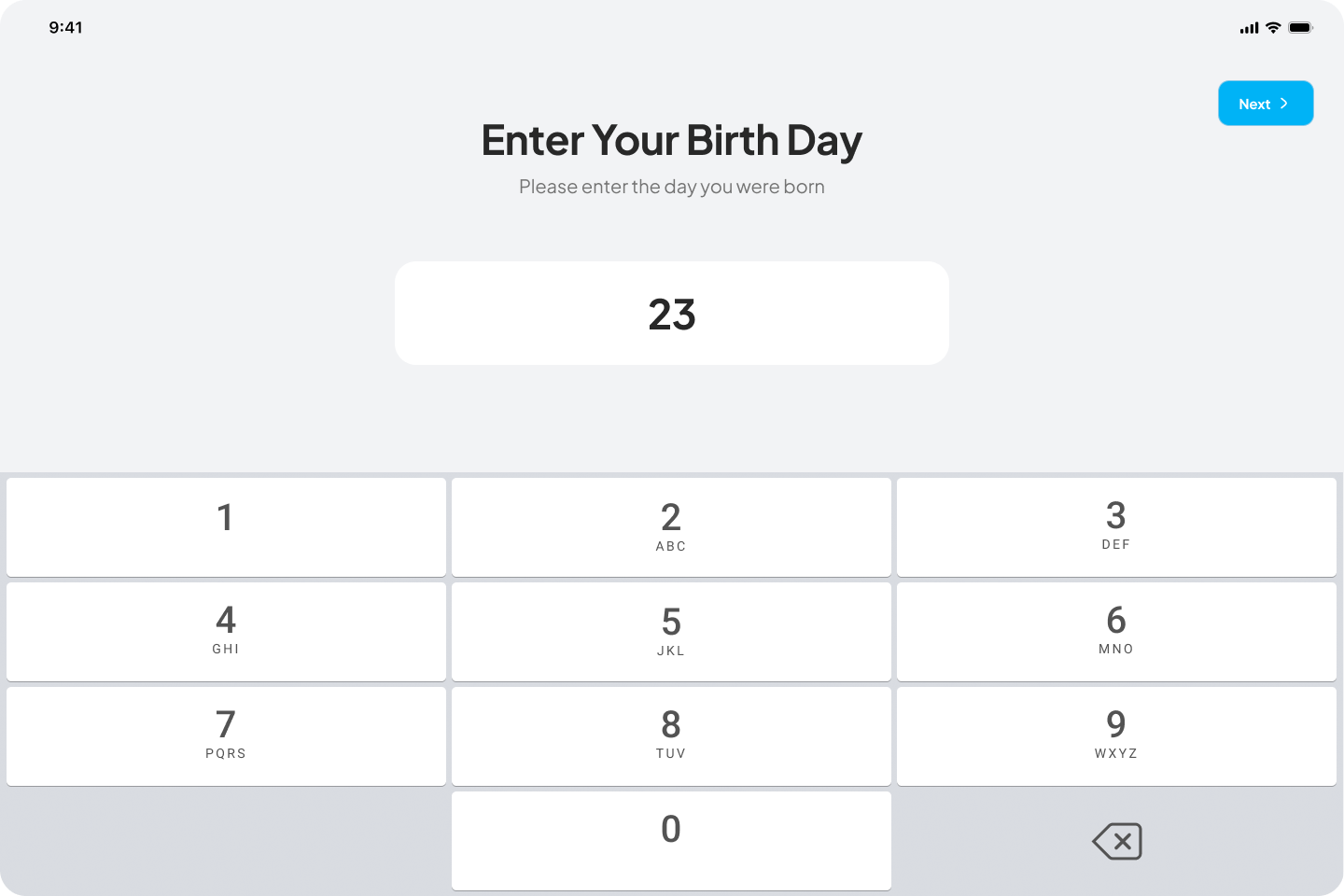
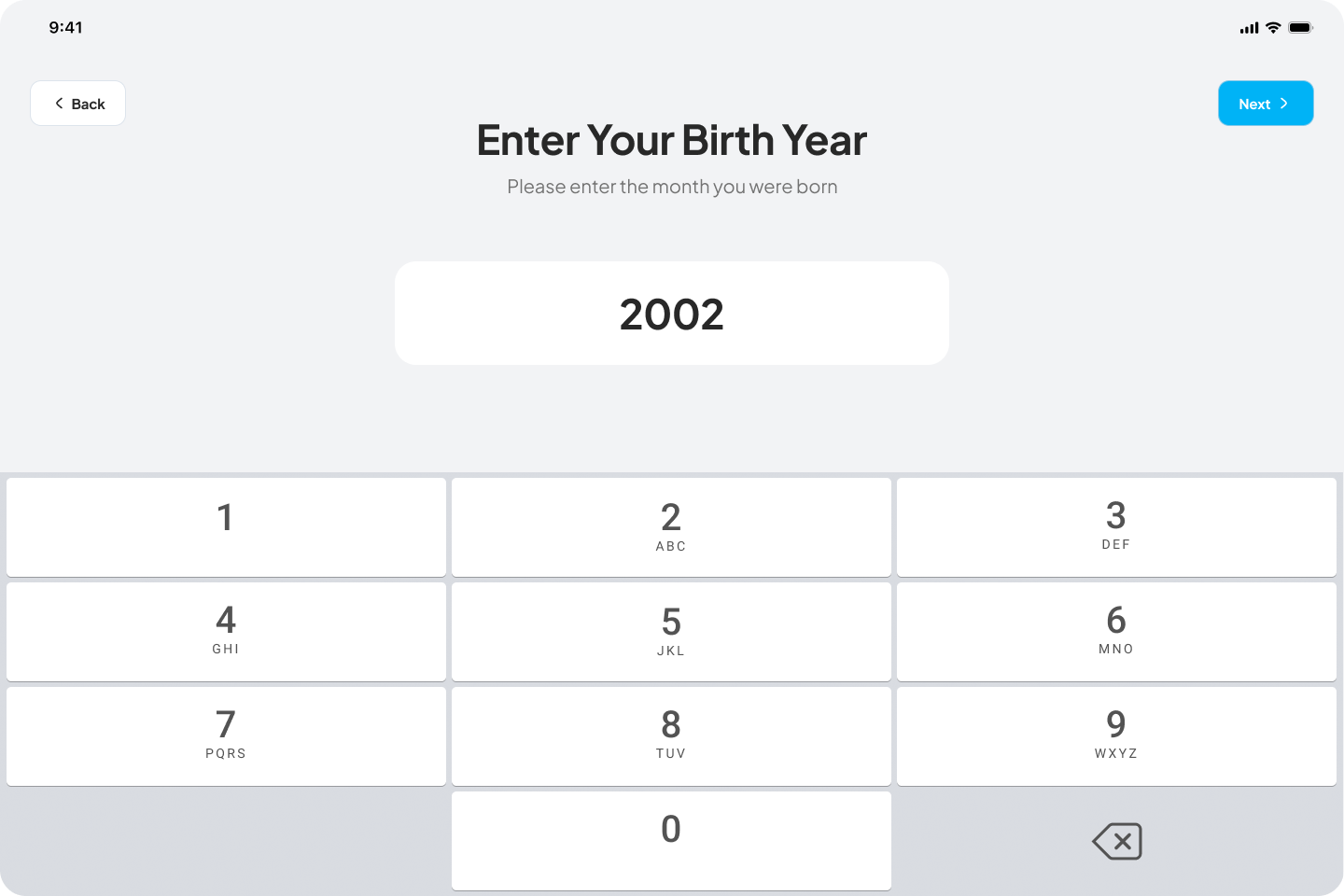
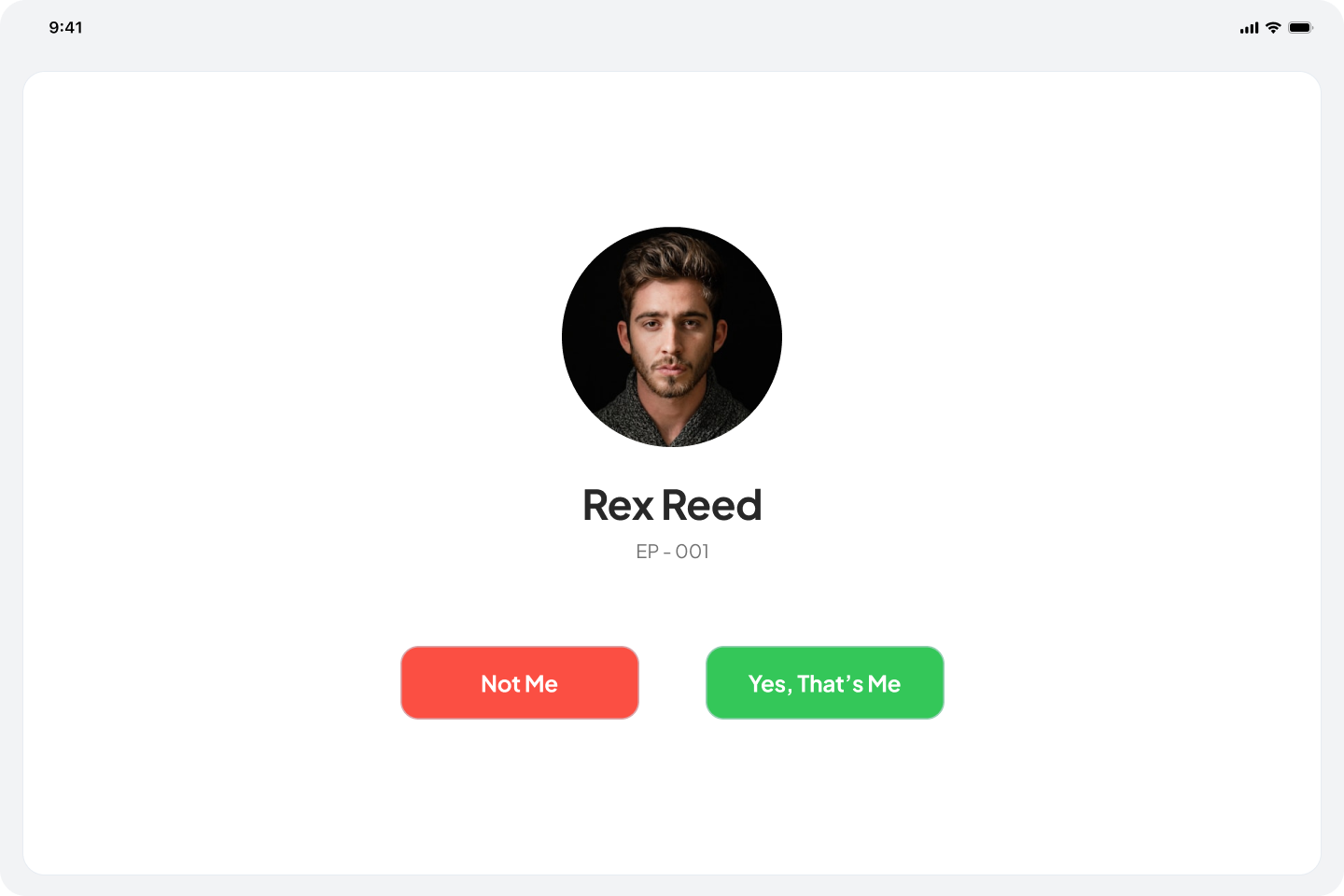
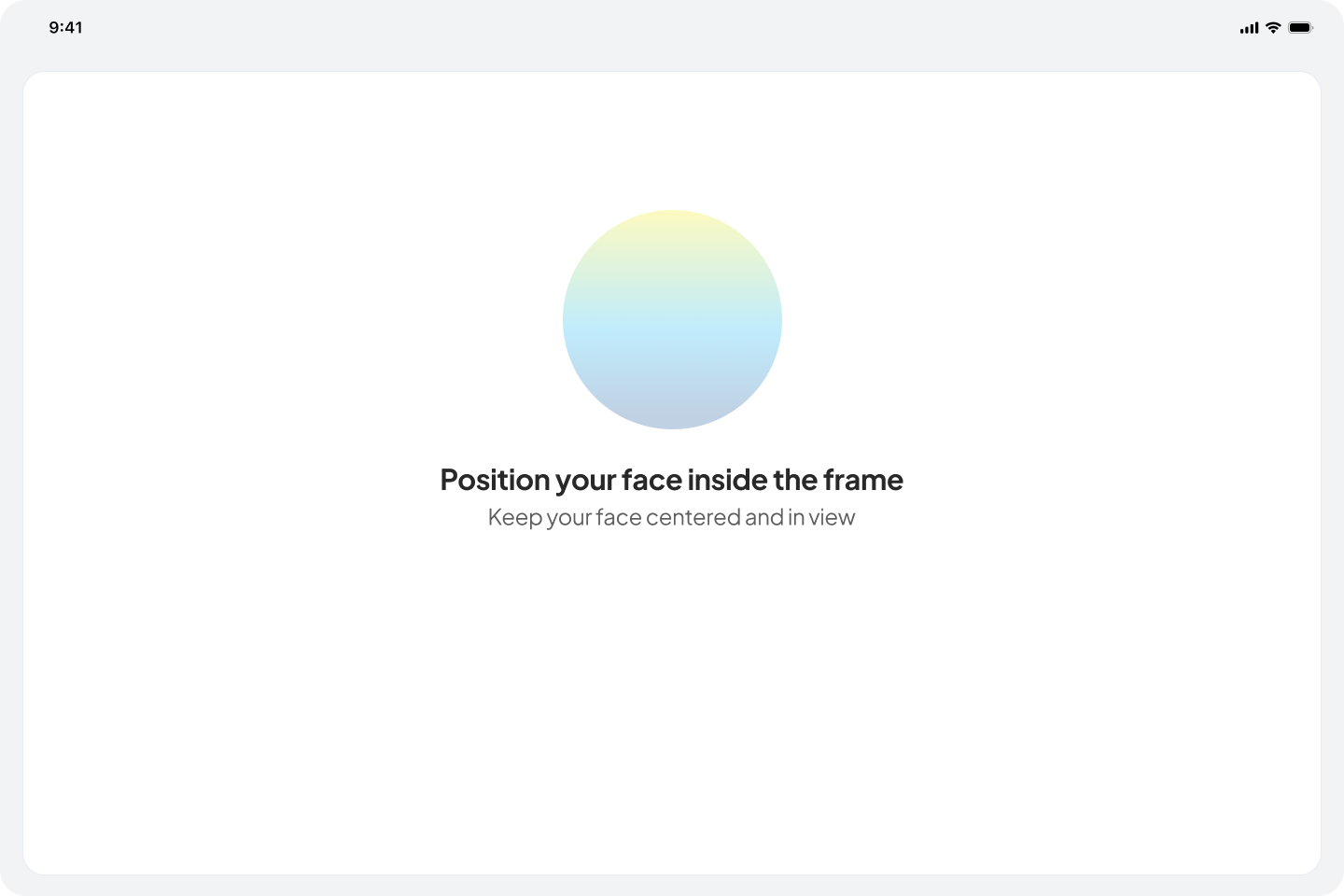
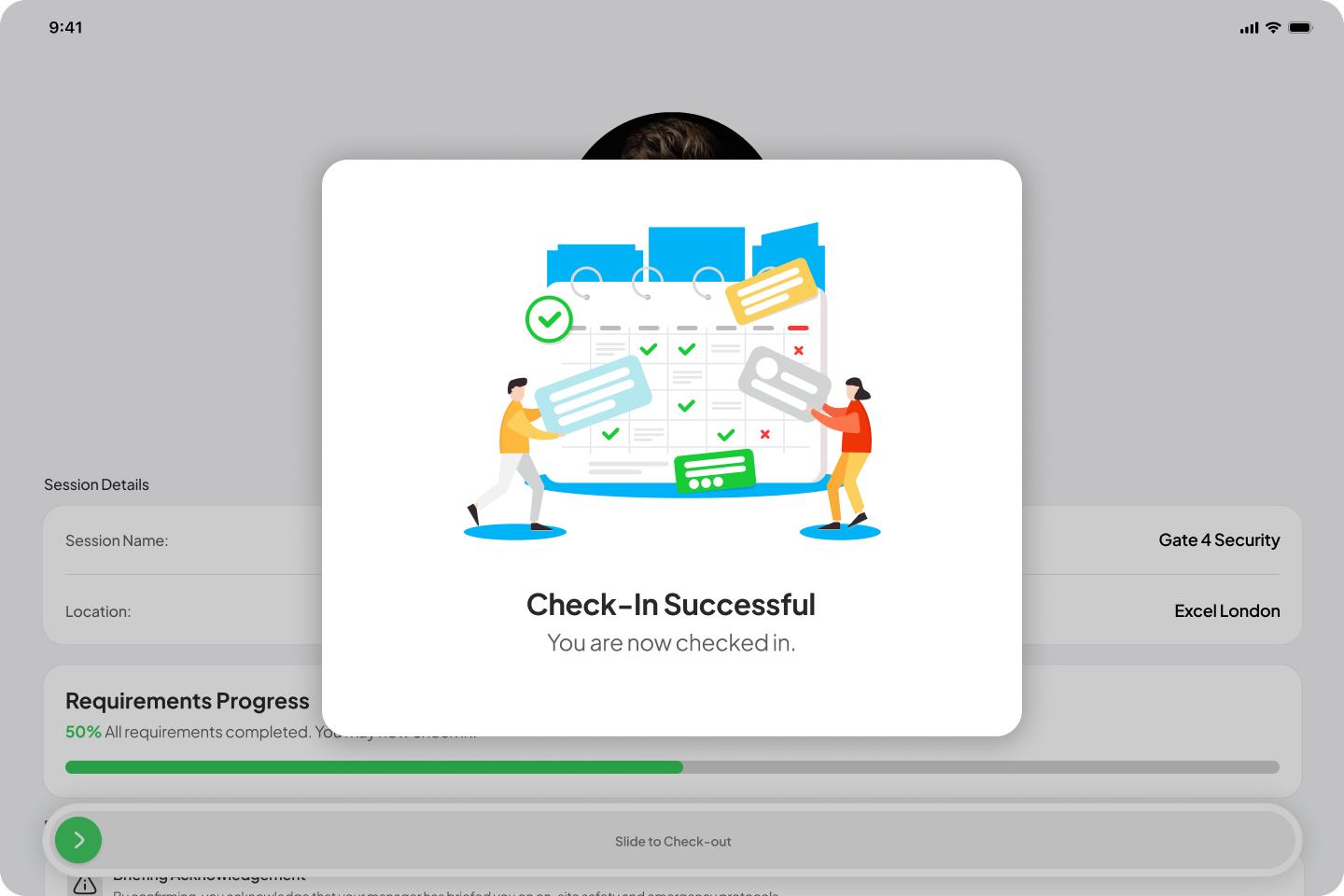
Kiosk app: A standalone tablet app for casual workers who do not have a mobile device on site. Workers verify their identity using their date of birth and surname, complete face verification, and check in or out via a slide bar. Includes admin setup for branch configuration and check-in rules, and a face verification audit workflow for managers.
Privacy-first location logic: The mobile app now automatically stops all location tracking when tracking has been disabled for a specific session.
OTP code request on login: Casual workers can now request a new one-time login code directly from the login screen without needing to contact their manager.
Check-out reminder alert: A new pre-configured alert type notifies workers 30 minutes and 15 minutes before their booked shift ends, prompting them to prepare for check-out by adding a “Before Session Ends” option in the Alert Configuration.
Changed
Web
Extended hours requests: Admins can now officially request workers to extend their scheduled work hours directly from the platform.
Event-level manager assignment: Admins can now assign managers at the specific event level, providing more control over site supervision.
Attendance log break columns: The attendance log now includes dedicated columns for Break Start and Break End, providing a more comprehensive view of worker shifts as well as a toggle inside the column to check each break’s break start and break end.
Mobile App
Check-in restoration: When a manager restores a casual worker’s check-in, the worker is notified and redirected to a pop-up modal to reactivate live tracking within the app.
Do Not Disturb bypass: Notifications can now bypass Do Not Disturb settings in your Android/iOS device to ensure critical alerts are always received.
End-of-break notification guidance: Due to technical restrictions, end-of-break notifications cannot override a device’s mute or vibration settings. A reminder has been added to the Start Break and End Break steps prompting workers to ensure their device is unmuted and vibrations are enabled.
Fixed
Web
Fixed an issue where selected or configured alerts were not reflected correctly in some sessions.
Restored the custom filter functionality on the main events page. Filters now remain active and persistent when navigating between different events on the same calendar day.
Updated the Mapbox default starting coordinates to centralize on the HQ location.
Removed the /dashboard url to prevent users from landing on a blank page and eliminate the false impression of a system error.
Updated permission logic so casual workers can no longer view sessions where their specific role is not set.
Fixed a bug where the alert card failed to update in real time when changes were made.
Resolved an issue where Late Checkout and Auto Checkout statuses were not updating correctly following amendments to booking end times in AXLR8.
Resolved a bug where certain dates were hidden or failed to display when specific filters were applied.
Refined the Create and Edit Alert interfaces by removing SMS and Email notification options.